
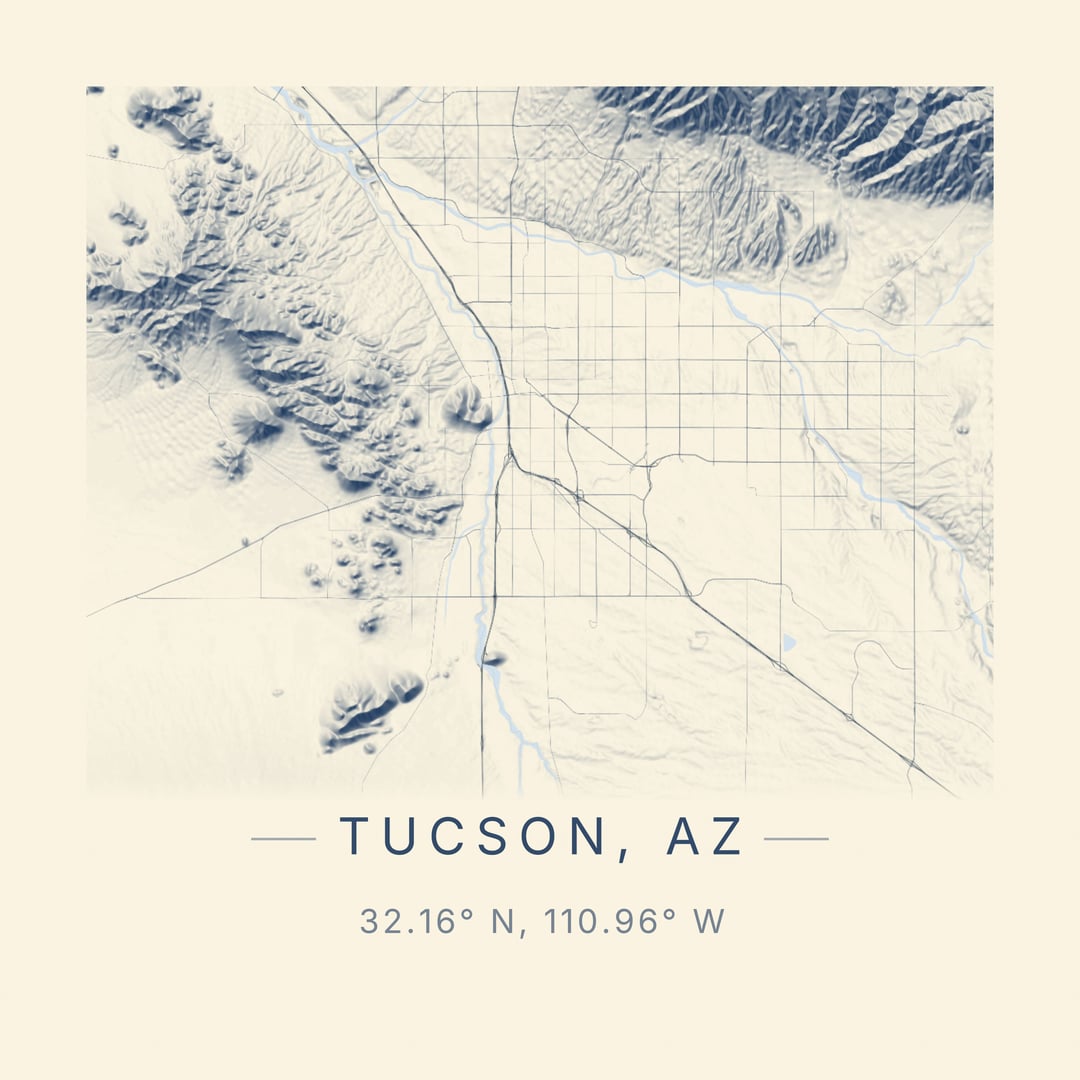
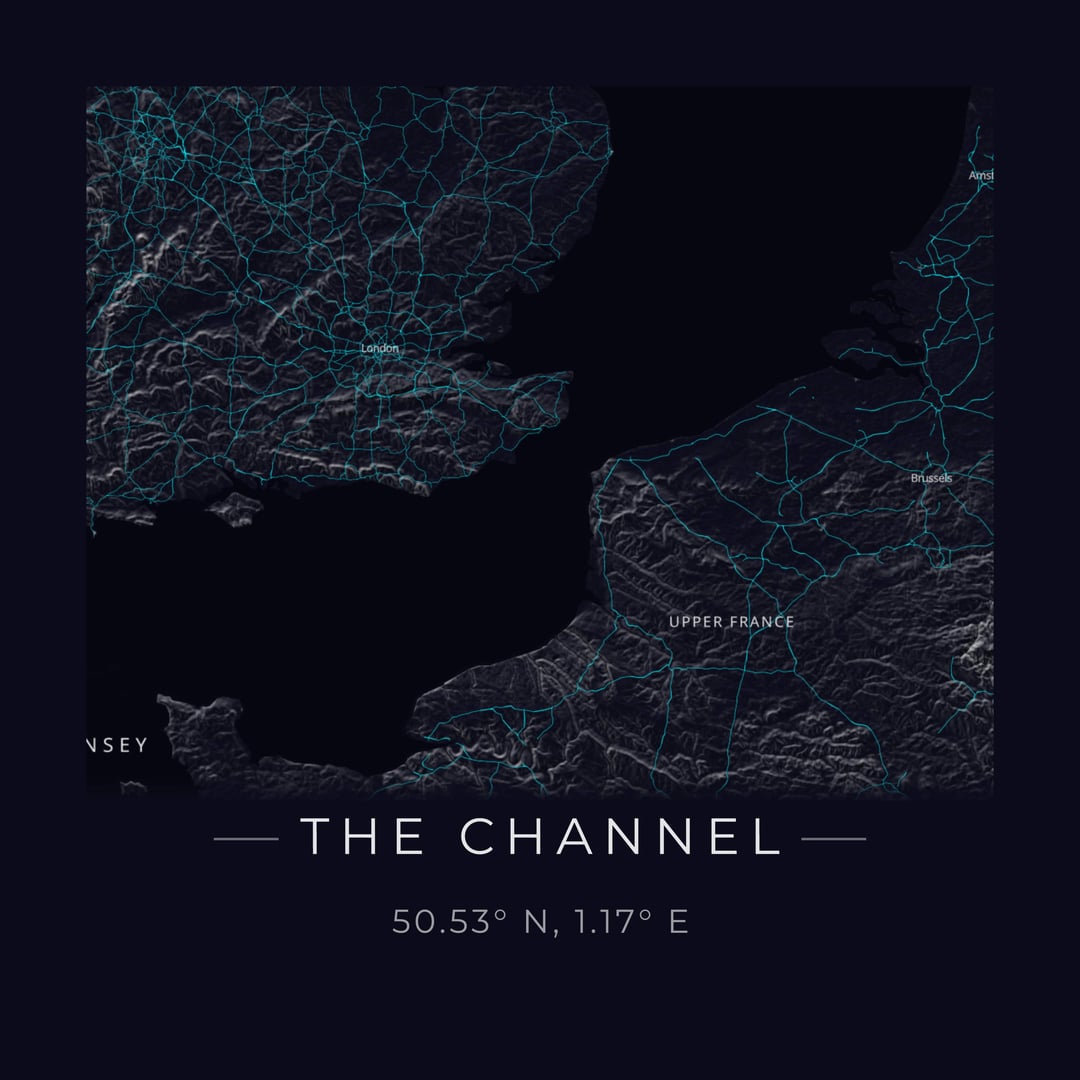
I've been working on a side project called Carto-Art – a web app that turns real map data into print-ready poster art.
The idea came from seeing vendors selling simple city map prints and thinking "I could make something way more customizable." So I built it.
What it does:
- Search any location or pan/zoom to frame your composition
- Toggle layers individually (streets, buildings, water, parks, terrain, labels)
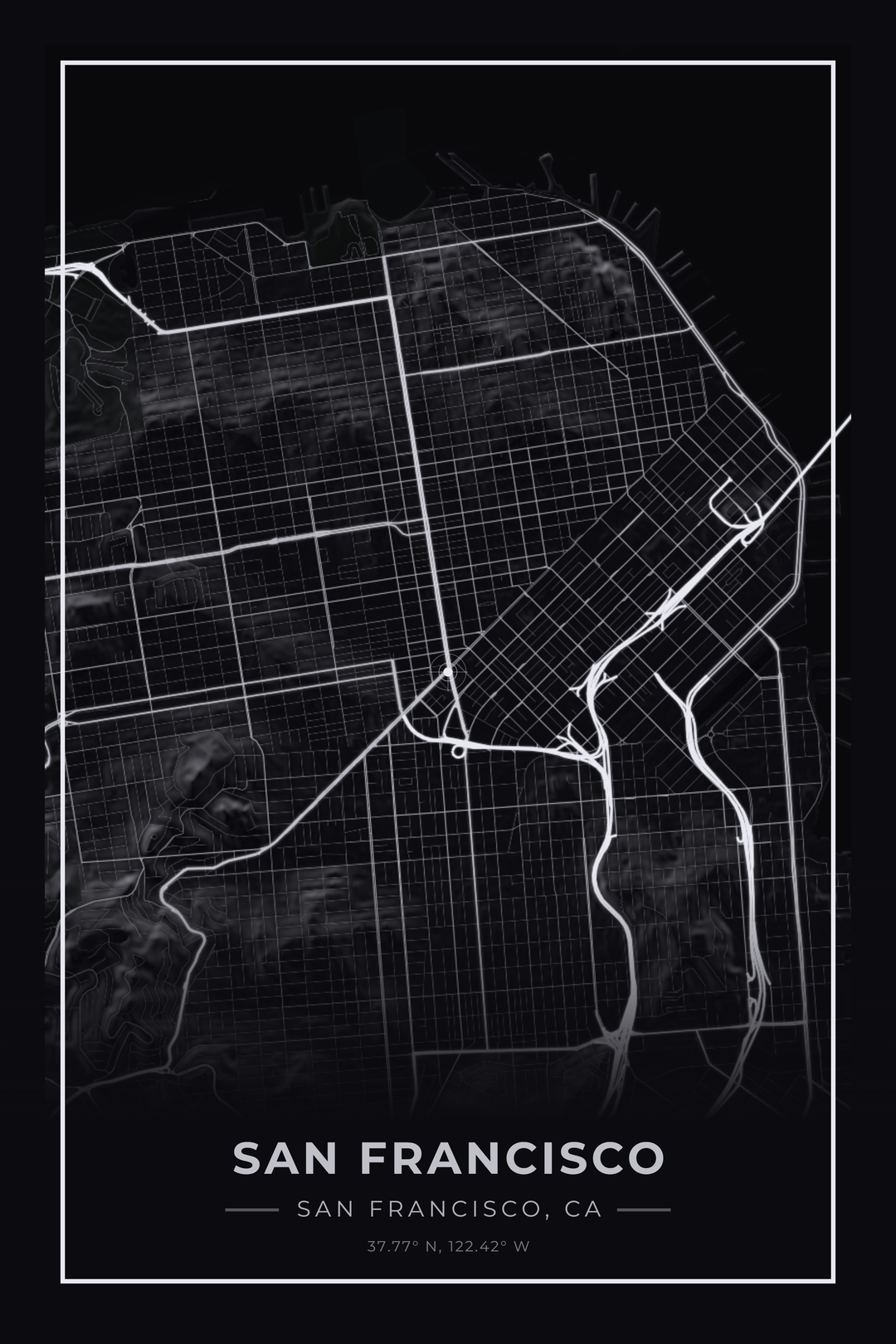
- Choose from styles like minimal line art, dark/noir, blueprint, vintage, etc.
- Full color customization – swap background, water, roads, green space colors in real-time
- Export at true print resolution up to 24×36" at 300 DPI
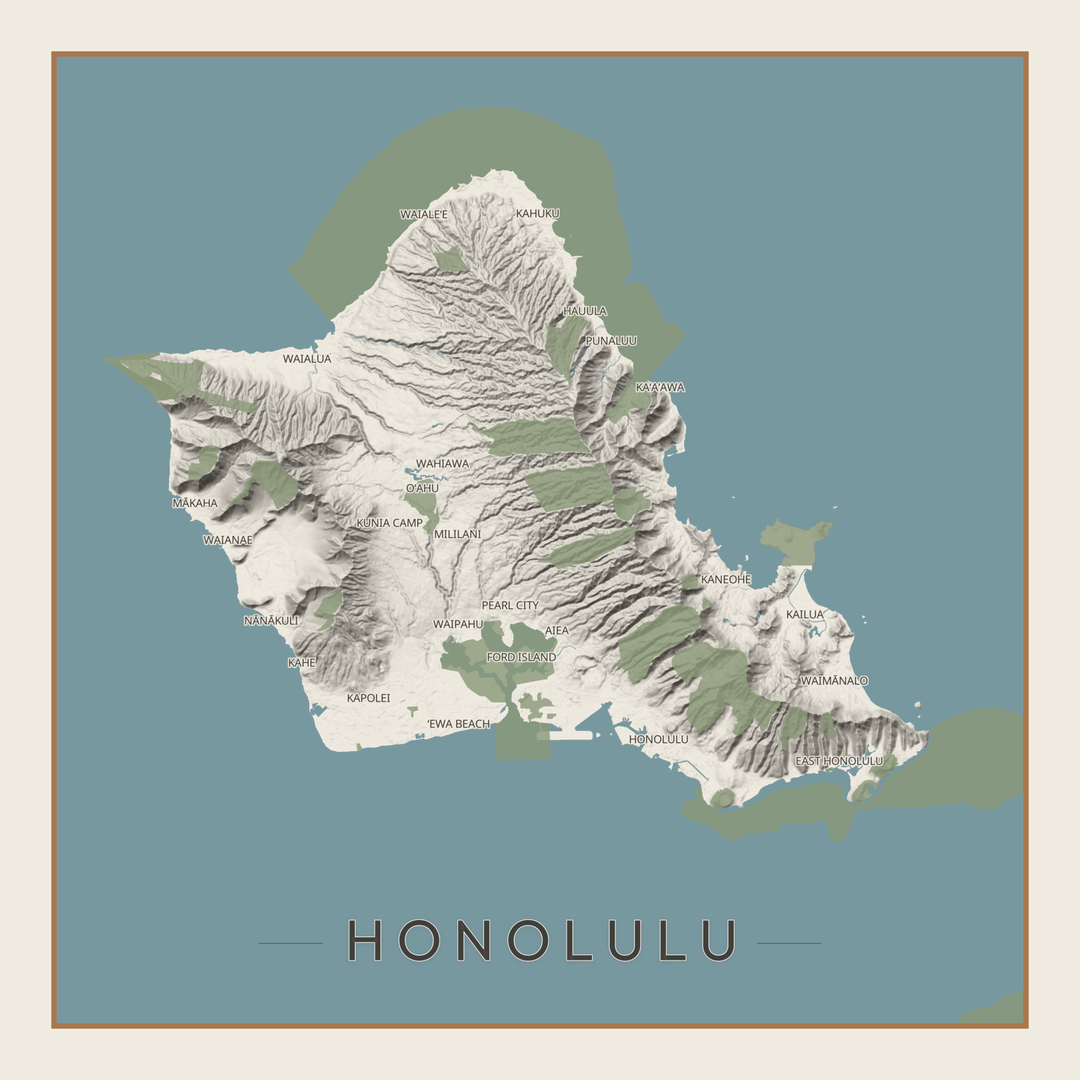
The terrain feature is my favorite part. It uses GPU-accelerated hillshading with Terrain-RGB tiles that encode elevation at 0.1m precision. The shading automatically adapts to whatever color palette you've selected – navy shadows for dark themes, warm browns for vintage, etc.
Everything runs client-side with OpenStreetMap data, so there's no account needed and it's free to use.
Would love feedback from this community on what features would make this more useful. Thinking about adding contour lines and maybe some additional cartographic projections.
Posted by kkingsbe
24 Comments
Very cool!!!
That is nifty af
[deleted]
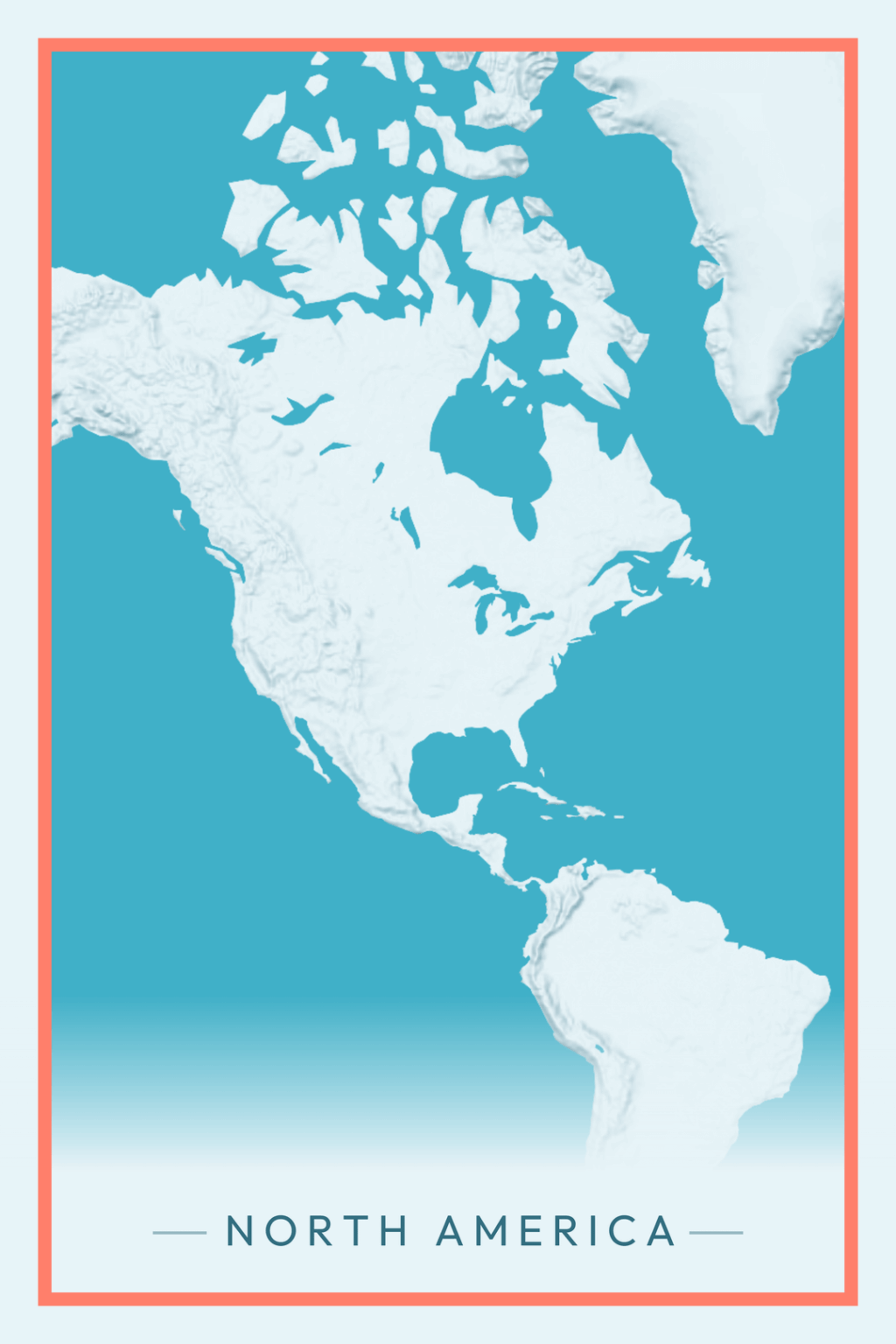
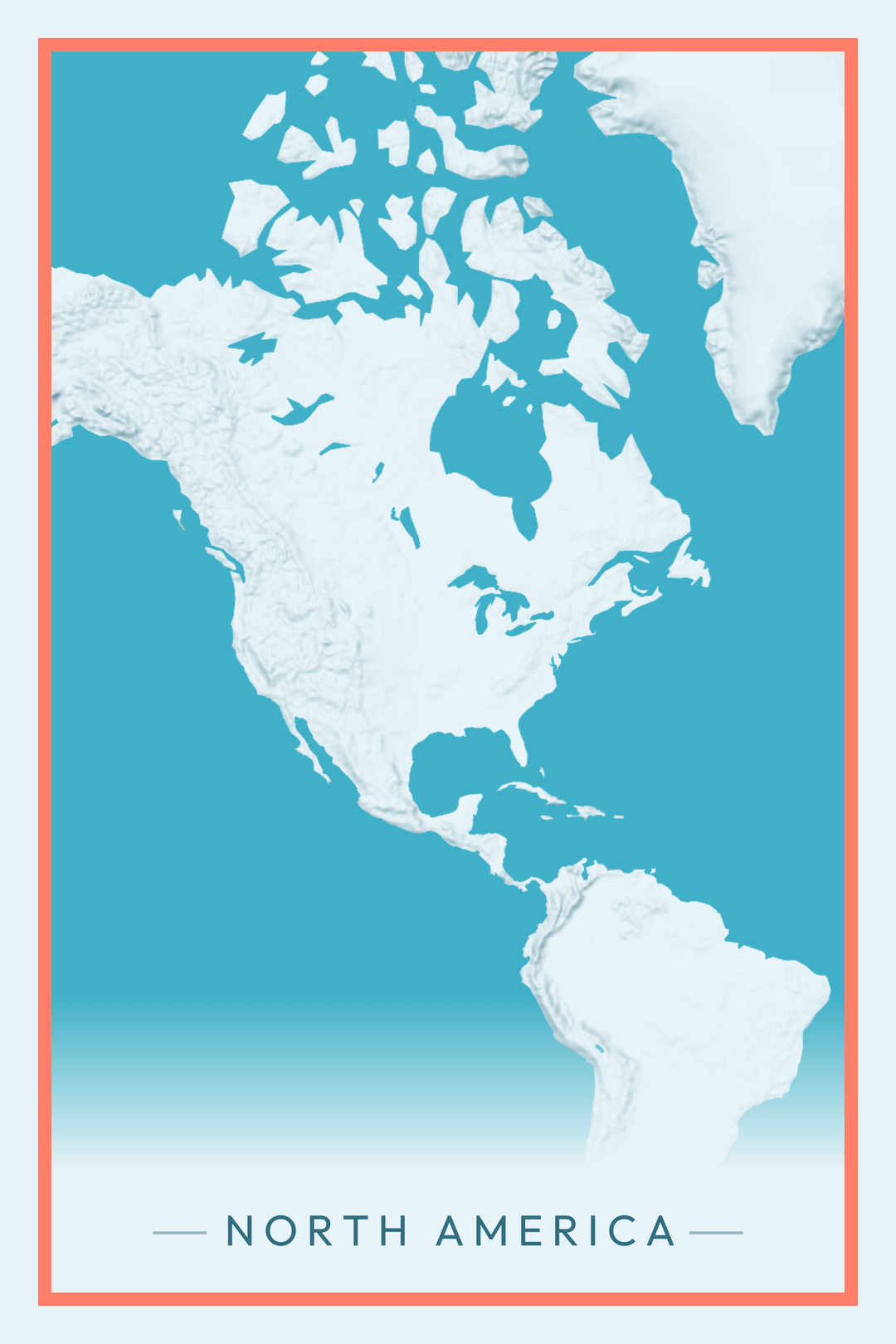
I like how the map of North America really accentuates the northerly Canadian Great Lakes and shows just how big they are
This sounds so cool! I’m excited to sit down and explore it tomorrow. Thanks for sharing!
Really cool project OP! I can tell you’ve put a lot of effort into this. Sorry some people are so dense about not understanding it
Great project! I will definitely use this to put up some pictures on my wall or at least a new wallpaper for my laptop/phone
Contour lines as an option would be very very cool.
LOVE THIS! Only feedback would be the option to turn off the bullseye, unless I am missing it in the toolbar. Very cool tool!
What’s that sub for cool websites again? r/internetisbeautiful?
Edit: yes, it is. You should definitely crosspost it there, mate
This is how we talk in Tucson Arizona
This is great, is there a way to add major city streets?
This is crazy cool! Wasting far too much time on it, mind you…
Edit: to be clear, it’s me. *I’m* now spending far too long making maps…
I love this. Is it ok if I use this to create a base for a map for r/imaginarymaps??
This is fantastic, thank you. How can I save the final image?
Pre-emptive: I love this tool!
I saw the bullseye is toggle-able, however, recentering the map adjusts the coordinates away from the city/town’s center point. This has a negative impact for small towns that exist to close to the fade into the bottom text area
~~Also is there a landscape mode for cities/towns that are more wide than tall?~~ found the formatting features, on the left side
~~Also, is there a way to increase the zoom for smaller towns?~~ found the zoom feature (middle mouse button roll)
Is there a way to add chart/coordinate plotting lines too? That would be really awesome to be combined with a more zoomed in map
edit: follow up on the zoom in question: is there get even more zoomed in?
That’s kind of you 🥰
One of the coolest things this year
Wow
Very cool, OP.
Etsy in shambles.
This is absolutely awesome. Anyway we could get country borders as an optional layer?
Edit: $5 your way, this is dope.
Absolutely fantastic! Thanks and Happy New Year
This is an awesome tool. Thanks for making it.
This is incredible. Well done and thank you