
Hey everyone,
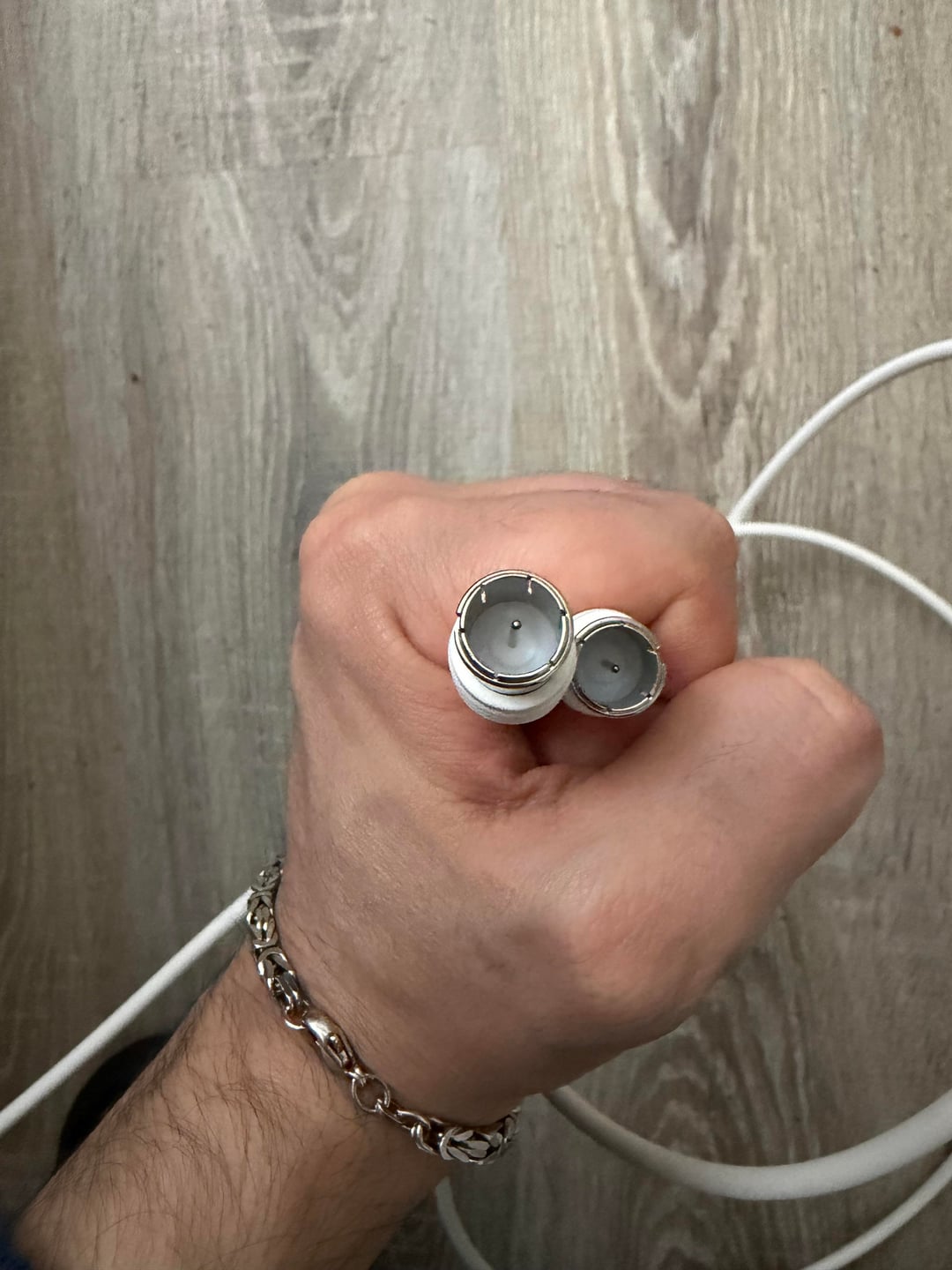
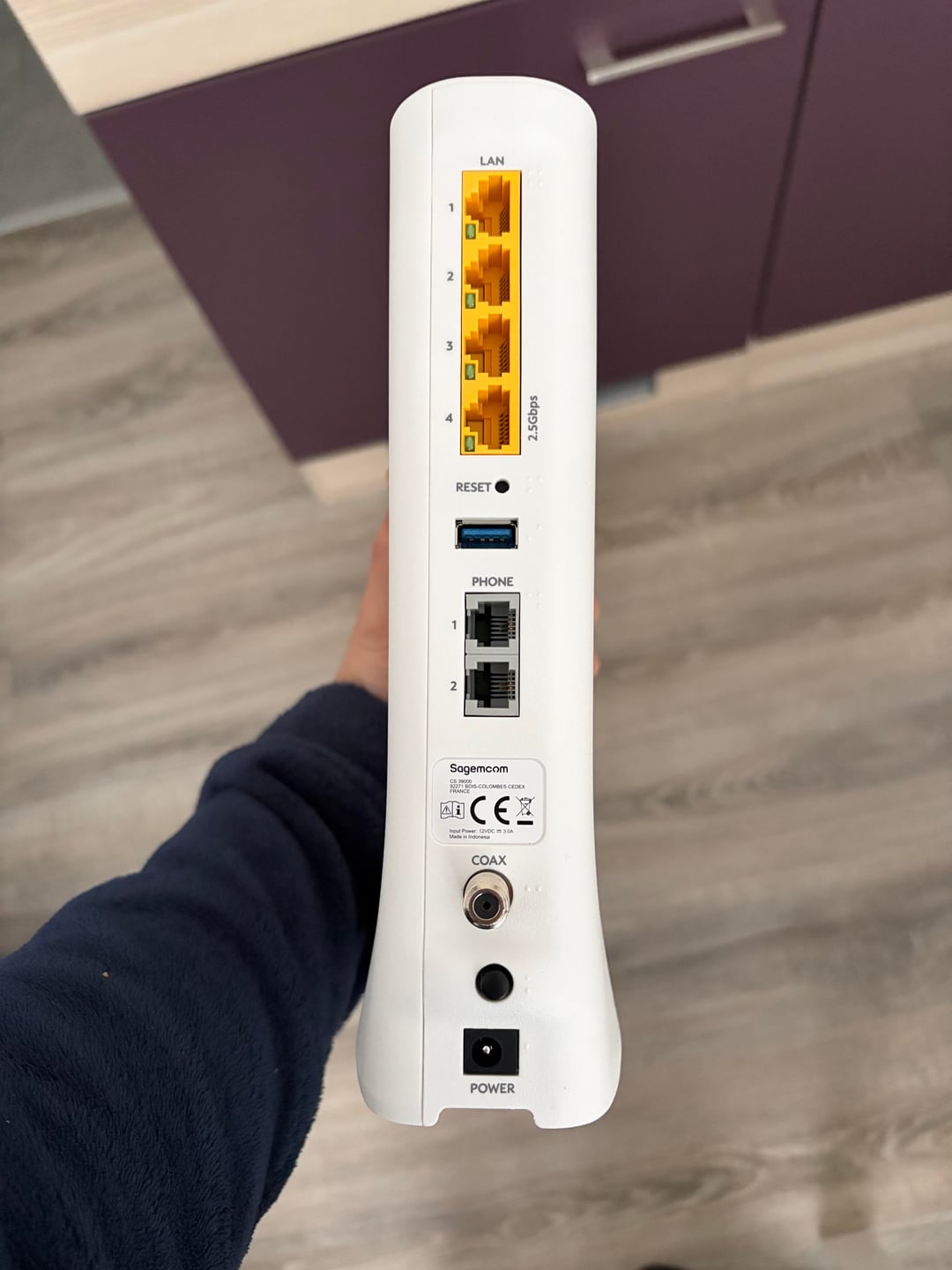
I recently got internet from my provider, Pÿur, and they sent me a modem. However, the cable they provided doesn’t fit into the wall socket.
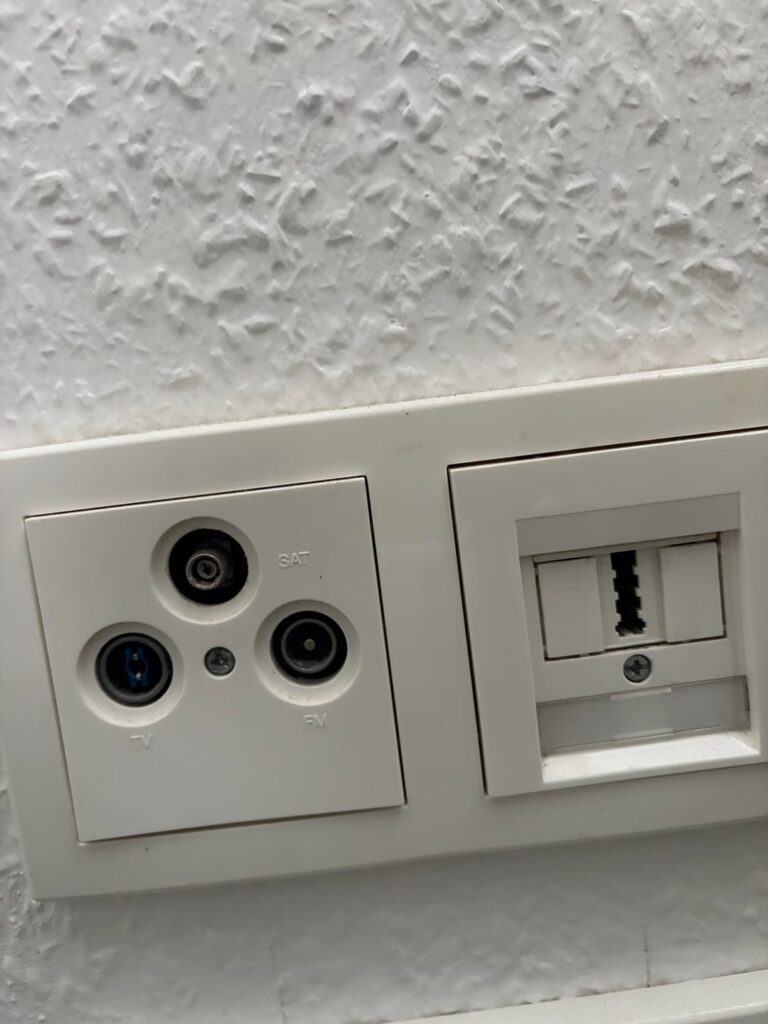
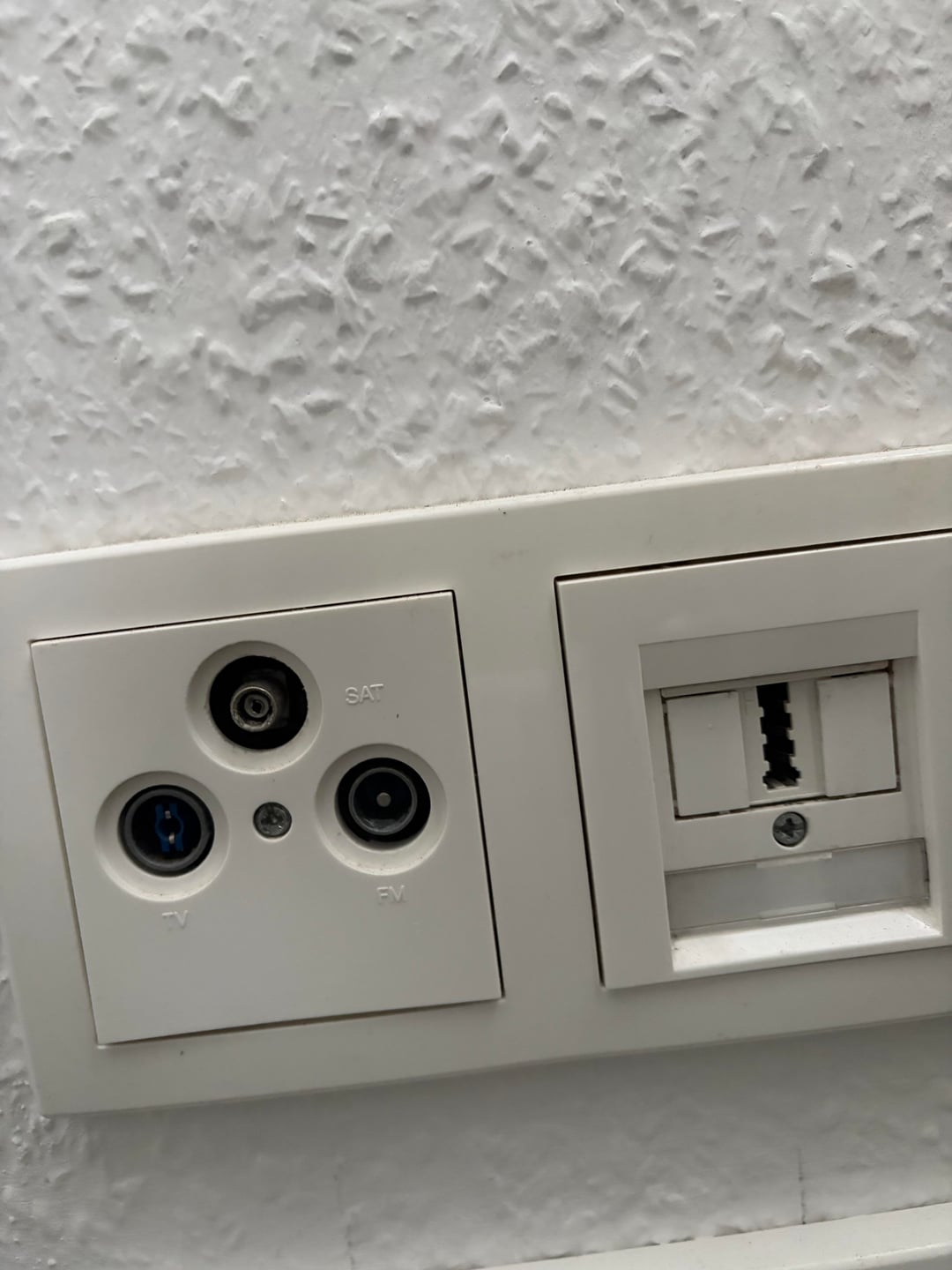
The wall socket has three ports labeled SAT, TV, and FM, and the modem has a single COAX input
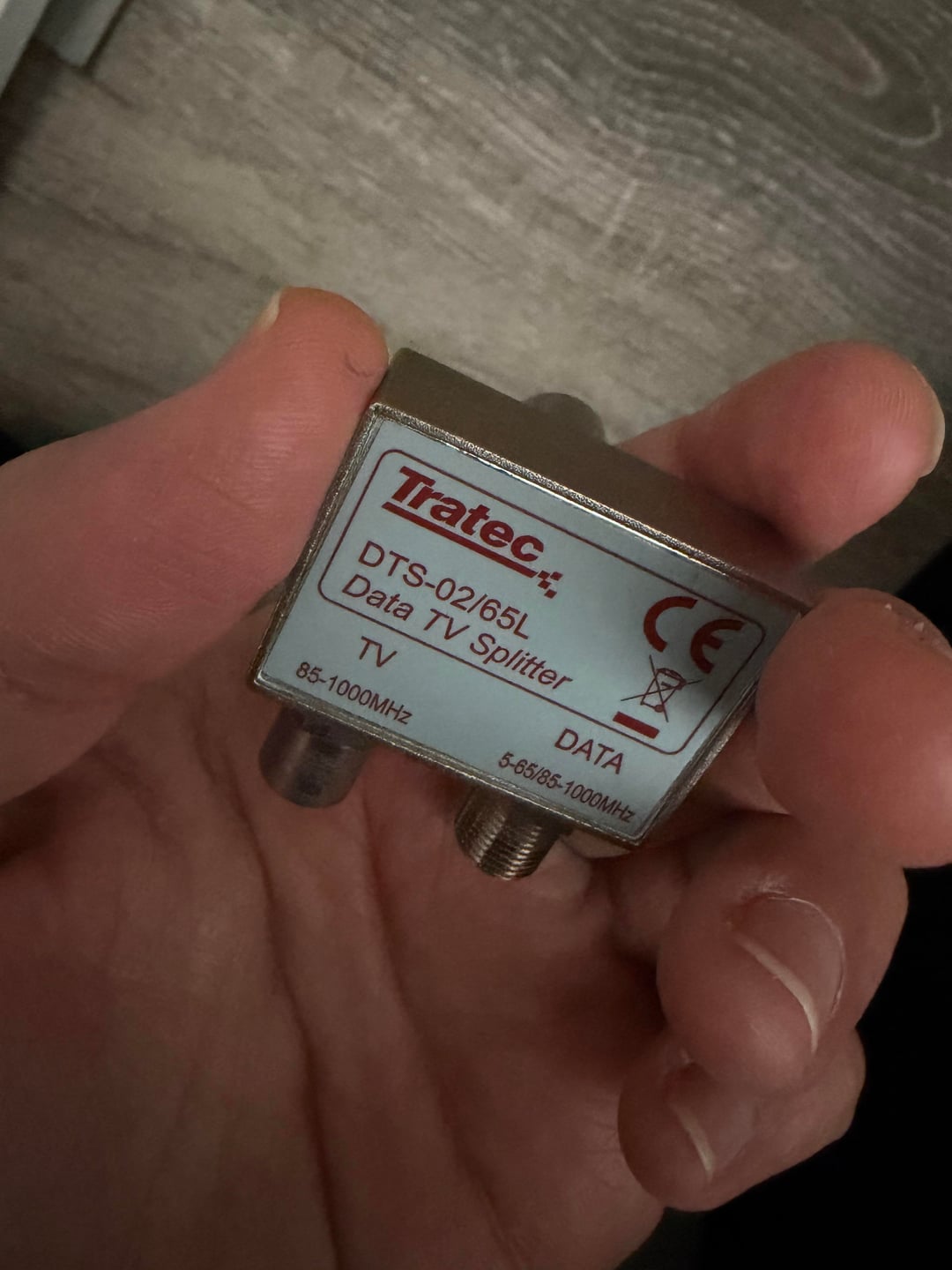
I also have this TV/Data splitter, but I’m not sure if it will help. Can I use it to connect the modem, or do I need a different type of cable?
Has anyone encountered this issue? If so, what kind of cable or adapter do I need to make this work?
Thanks in advance!
https://www.reddit.com/gallery/1pppzog
Posted by NoPerspective4764
14 Comments
It looks to me like the SAT connector is the only coaxial one of the 3. That one also doesn’t work with the cable?
as far as i can tell, you don’t have a coaxial adapter at all, so you got the wrong cable to start with. Get a DSL cable and plug it in, then the LAN end into your router
You want to connect to the data port using the splitter. The TV and radio sockets are just connecting to the same cable internally, as would a data port. That is why the splitter works
Usually you should get a new wall socket when you have cable internet. But in your case doesn’t the splitter fit into the TV port?
I guess you need to talk to your landlord and the cable company.
This looks like tv, radio and satellite, and telephone landline.
You might need a different socket for cable tv / Internet via cable tvmodem
Do you even have cable TV? It looks like you have satellite instead. Without a cable TV connection, your cable modem cannot work. You would need a different product from your provider in that case (e.g. DSL, which goes into the phone socket).
I had similar problem. Got cable connection with router and cable, worked fine in my apartment. i moved to new one and it didn’t fit. I bought the satelite cable and worked well, so might try that.
This is like the old style euro setup.. you have also received a kind of filter/splitter thing that has an f style connector on the bottom? that goes into the tv and radio outlet. cable modem goes into the f connector on the splitter. The f connector in the outlet is for SAT dish.
At first i missed the addl pictures.. so cable goest to filter backside and tv port on outlet, tv cable goes to tv, you are missing an f cable to go between modem and filter. Alternatively you plug the filter in the tv outlet directly, but you block the other ports.
What you need here is called a “Multimedia Dosenaufsatz” and the splitter you have might fulfill that role
The second cable connects to the adapter in the 3rd photo. I had to remove the wall plate from the 1st photo and use the screw that came with the adapter.
Greetings from Pyur, put the splitter into the TV Port and the Modem cable on the DATA port on the splitter, if you use TV then put the TV cable on the other port.
Modem should start to activate and after around 30mins the lights should have stopped blinking and everything should work.
If the light arent blinking but the Internet still wont connect it might also be that the modem arrived a day too early and the contract hast activated in the system, in this case wait till tomorrow.
The top connection (wrongly labeled SAT) is called WICLIC and is often used by Pyur and NetCologne for cable internet. [This cable should fit that.](https://www.amazon.de/dp/B001Y9AMD6)
Technicians often don’t bother getting the right covers for these outlets and just use whatever they have on hand. That’s why yours says SAT, which is wrong .. it should say DATA. SAT outlets have the same 3 connector style, that’s why it fits.
You can also try the splitter in the connector labeled TV, it may work as well. And connect your modem to the DATA port on the splitter.
If I’m remembering correctly, this happened to me back then when PYUR was Tele Columbus, like 9 years ago.
I called them, and they sent a technician. He activated the internet connection from the electricity room, then changed the socket. So I’d recommend to get in touch with PYUR.
Hi, first of all are you sure that this outlet is connected to the Cable network ? If this outlet is a stand alone satellite dish then this is not the right outlet to use, .
If it is a Cable TV outlet you plug the splitter into the TV part and connect your cable (pic2) into the threaded connections, those cables are fast connectors and do not screw onto the threads anymore, then you connect to your router and start the “first time setup” via Phone browser or PC, some ISP will send you a letter with a 10-16 digit code to use for quick setup. The router will ask you in the “first time setup”.
this can take up to 10min-1h to activate your connection often you will receive a SMS or E-mail when the connection is established