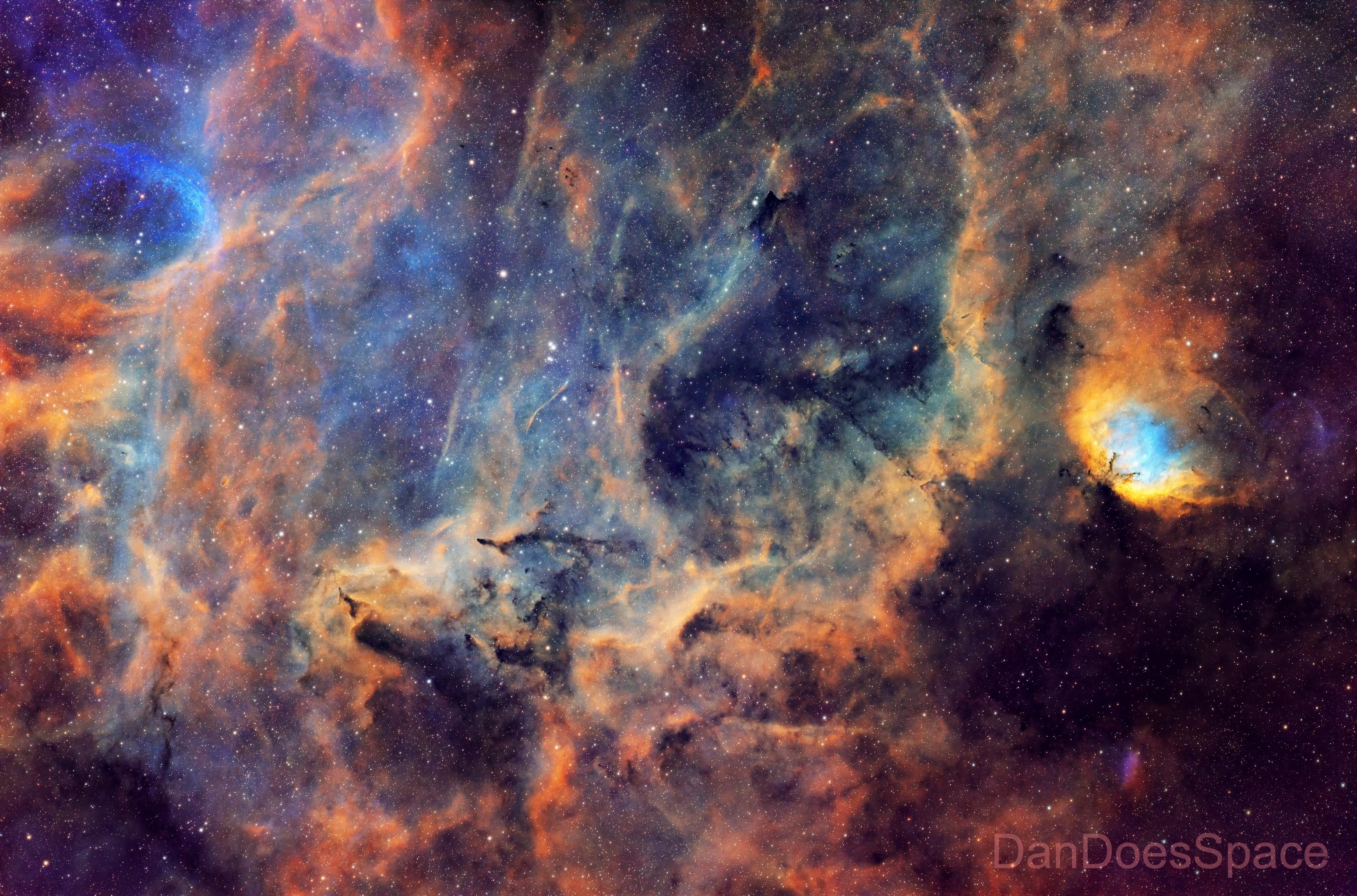
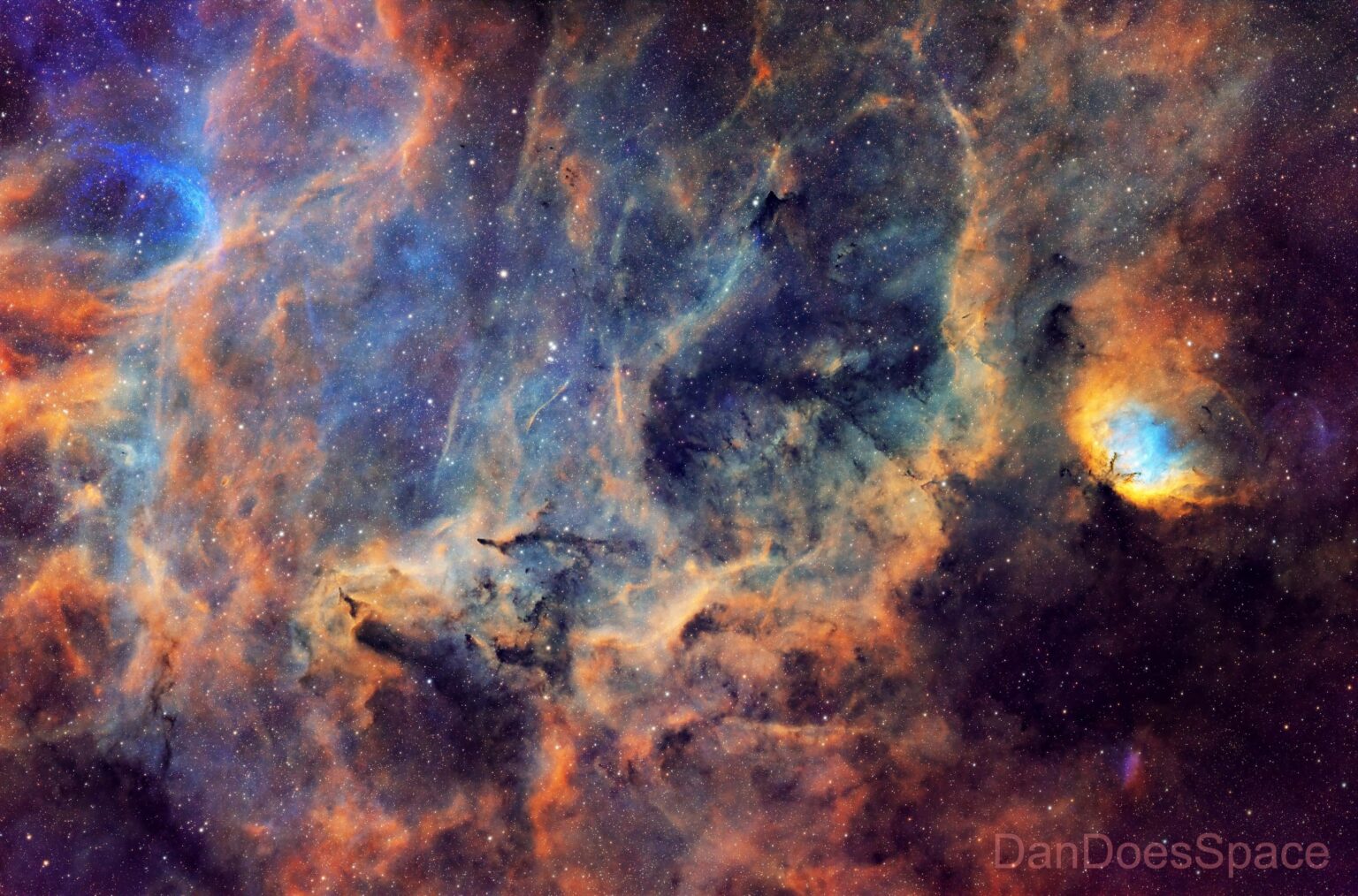
Here’s my image of the Tulip Nebula (Sh 2-101) and the surrounding dusty region in Cygnus. I captured this over three months, of which only seven nights were usable thanks to the weather!
If you’re interested, I’ve documented my project over on my YouTube channel:
* – William Optics Zenithstar 73
* – William Optics Flat 73A flattener
* – Player One Poseidon M Pro camera (cooled to -10C)
* – Optolong RGBSHO 36mm broadband filters
* – Skywatcher HEQ5 Pro (Rowan-belt modified)
* – Mele Quieter 4C mini-PC running NINA
Acquisition Details:
* – 24 Hrs 57 Mins total exposure
* – Ha: 103 x 300″ totalling at 8 Hrs 55 Mins
* – S2: 73 x 300″ totalling at 6 Hr 5 Mins
* – O3: 107 x 300″ totalling at 8 Hr 55 Mins
* – Red: 13 x 300″ totalling at 26 Mins
* – Green: 14 x 120″ totalling at 28 Mins
* – Blue: 14 x 120″ totalling at 28 Mins
Processing Details:
1. Stacking in WBPP
2. StarXtermintor SHO images
3. Linear Fit the SHO images
4. RGB-SHO colour combination/mapping
5. BlurXterminator
6. Narrowband normalisation
7. Permanent stretch via histogram transformation
8. Selective colour correction
9. Masking a slight curves adjustments
10. RGB Stars generation using channel combination
11. BlurXterminator on RGB stars
12. SPCC for colour correction
13. GHS for permanent RGB stars stretch
14. Adding the RGB stars to the SHO image via Pixelmath
15. Photoshop for final cropping and small adjustments

1 Comment
Here’s my image of the Tulip Nebula (Sh 2-101) and the surrounding dusty region in Cygnus. I captured this over three months, of which only seven nights were usable thanks to the weather!
If you’re interested, I’ve documented my project over on my YouTube channel:
[Capturing the Tulip Nebula and Dusty Surroundings in Narrowband](https://www.youtube.com/watch?v=EDLb9B8IQ0Q)
Acquisition Equipment:
* – William Optics Zenithstar 73
* – William Optics Flat 73A flattener
* – Player One Poseidon M Pro camera (cooled to -10C)
* – Optolong RGBSHO 36mm broadband filters
* – Skywatcher HEQ5 Pro (Rowan-belt modified)
* – Mele Quieter 4C mini-PC running NINA
Acquisition Details:
* – 24 Hrs 57 Mins total exposure
* – Ha: 103 x 300″ totalling at 8 Hrs 55 Mins
* – S2: 73 x 300″ totalling at 6 Hr 5 Mins
* – O3: 107 x 300″ totalling at 8 Hr 55 Mins
* – Red: 13 x 300″ totalling at 26 Mins
* – Green: 14 x 120″ totalling at 28 Mins
* – Blue: 14 x 120″ totalling at 28 Mins
Processing Details:
1. Stacking in WBPP
2. StarXtermintor SHO images
3. Linear Fit the SHO images
4. RGB-SHO colour combination/mapping
5. BlurXterminator
6. Narrowband normalisation
7. Permanent stretch via histogram transformation
8. Selective colour correction
9. Masking a slight curves adjustments
10. RGB Stars generation using channel combination
11. BlurXterminator on RGB stars
12. SPCC for colour correction
13. GHS for permanent RGB stars stretch
14. Adding the RGB stars to the SHO image via Pixelmath
15. Photoshop for final cropping and small adjustments